Choosing between cloud vs desktop accounting software is rarely about where the files sit. For an accountant, it decides how fast the books close, how much time goes into chasing files and backups, and how easily an auditor can trace a number back to its source.
Desktop software installs on a computer or office server and keeps the company file there. Cloud accounting runs in a browser, with one live copy of the ledger for everyone. This guide compares the two from the accountant’s side of the desk, for finance teams and practices in Singapore and Southeast Asia. It covers access, month-end close, audit trail and security, five-year cost, when desktop still makes sense, and how to move.
1. What actually differs between cloud and desktop accounting software
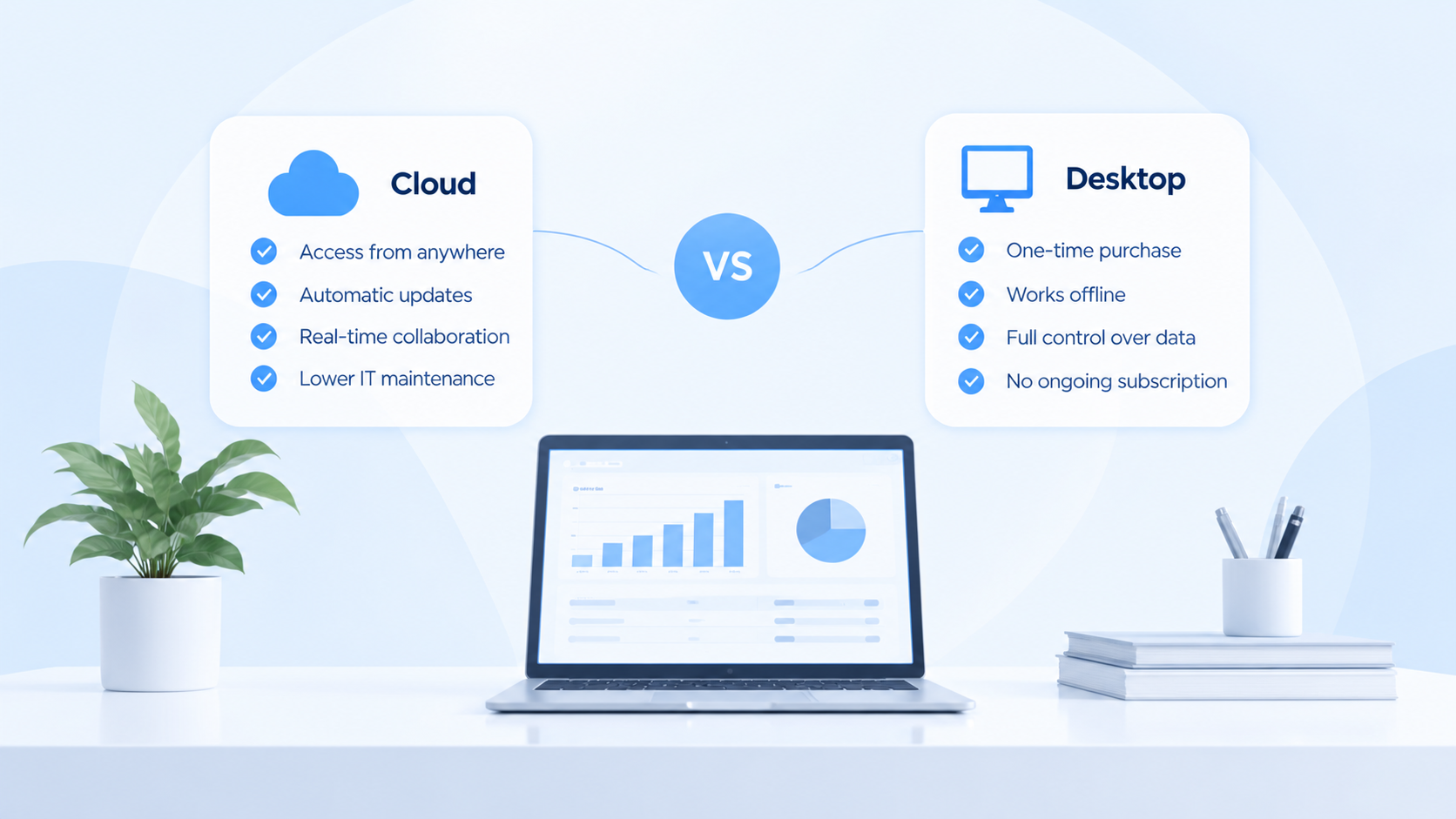
The core difference is who runs the system. With desktop accounting software, the business installs it, stores the company file, applies updates and takes the backups. With cloud accounting, the vendor does all four.
| Area | Desktop accounting software | Cloud accounting software |
|---|---|---|
| Where the data lives | A PC or office server you manage | Vendor-hosted servers, reached through a browser |
| Access | On the installed machine, or through a VPN or remote desktop | Any device with internet access and a login |
| Updates | Installed by you, often yearly versions | Applied by the vendor for all users at once |
| Backups | Your responsibility | Handled by the vendor |
| Multiple users | License per seat, file locking | Concurrent users with role-based permissions |
| Pricing | Upfront license plus upgrades and IT costs | Monthly or annual subscription |
| Works offline | Yes | Needs a connection |
None of these rows decides the question alone. Each one turns into hours of accounting work, or saves them, every month.
2. Access, remote work and working with clients
On desktop software, a reviewer outside the office usually needs a VPN, a remote desktop session, or a copy of the company file sent by email. Each copy starts drifting from the original the moment someone posts a journal.
Cloud accounting removes the copy. The bookkeeper, finance manager, external accountant and auditor all sign in to the same ledger, each with their own permissions:
- Review happens during the month. A reviewer can check postings as they are made instead of receiving a file after close.
- No more “which version is final”. Adjustments are made in the one ledger, not in a file that must be merged back.
- Client queries take minutes. A director’s question about a supplier balance is answered from the live ledger, not last month’s export.
- Access is removed cleanly. When someone leaves, their login is disabled; no company file stays on their laptop.
For practices serving several clients, each client’s ledger is reached through its own login rather than a company file on a shared drive, with a clear record of who changed what.
3. Month-end close, reconciliation and reporting
The month-end close is where the difference is felt most. Desktop setups tend to close in stages: entries on one machine, an export for review, adjustments, re-import, then reporting in a spreadsheet. Every hand-off adds a day and a chance for the numbers to disagree.
A cloud ledger shortens that chain in three places:
- Bank reconciliation. Statements can be matched as they arrive, so reconciliation runs through the month instead of piling up at the end.
- Accruals and reversals. Recurring accruals can reverse automatically in the next period, rather than being tracked in a spreadsheet.
- Reporting. Profit and loss, balance sheet and trial balance come straight from the ledger, with no export and rebuild.
The fastest close is not the one with the most automation. It is the one with the fewest copies of the numbers.
Cloud does not fix a close on its own. If approvals still happen in a chat thread, a cloud system records the same problems faster. The benefit comes when review, approval and reporting move into the ledger with the data. For retail and F&B businesses, the close also depends on what the till hands over; Strategic POS lists the POS reports to send your accountant at month-end.
4. Security, backups, audit trail and control
Desktop software is often seen as safer because the data never leaves the office. In practice, the risk moves rather than disappears. Lost laptops, failed drives, ransomware and untested backups are the usual ways desktop data is lost.
With cloud accounting, the vendor runs the servers, backups and security patches, and the accountant’s job shifts to controlling who can do what. Check for:
- Audit trail. Every posting, edit and deletion records who did it and when, and that history cannot be edited.
- Approval before posting. Journals above a threshold, or of certain types, need sign-off before they hit the ledger.
- Roles and period locks. A clerk cannot approve their own journals, and closed periods cannot change quietly.
- Source documents. Each journal links to its invoice or receipt, so an auditor can trace it.
- Record retention. Singapore companies must keep business records for at least five years. Check how long the vendor keeps data and how you can export it.
These controls matter more to an audit than where the server sits. A desktop file with no audit trail is harder to defend than a cloud ledger that logs every change.
5. Total cost over five years
Comparing a desktop license with a monthly subscription misleads, because most desktop costs sit outside the license. Compare every cost over the same five years.
| Cost item | Desktop accounting software | Cloud accounting software |
|---|---|---|
| Software | Upfront license plus paid upgrades | Subscription per user or company |
| Hardware | PC or server, replaced every 4–5 years | Any existing laptop or desktop |
| IT support | Installation, updates, troubleshooting | Included in the subscription |
| Backups and recovery | Backup storage, plus the cost of any lost data | Included |
| Remote access | VPN or remote desktop licenses | Included |
| Staff time | Moving files, re-keying, merging versions | Lower, since everyone works in one ledger |
The last row is usually the largest and least visible. Two days a month spent moving files and merging adjustments costs more over five years than most subscriptions.
6. When desktop accounting software still makes sense
Desktop or on-premise software remains a reasonable choice when:
- Internet access is unreliable and the system must work offline.
- Data must stay on site because of regulation or group policy.
- The accounts are simple and stable: one entity, one currency, few transactions.
- Heavy customizations tie the system to local inventory or manufacturing software.
If none of these apply, staying on desktop is usually habit rather than need. Accountants reviewing a client’s setup should ask which of these reasons is actually true before recommending to stay.
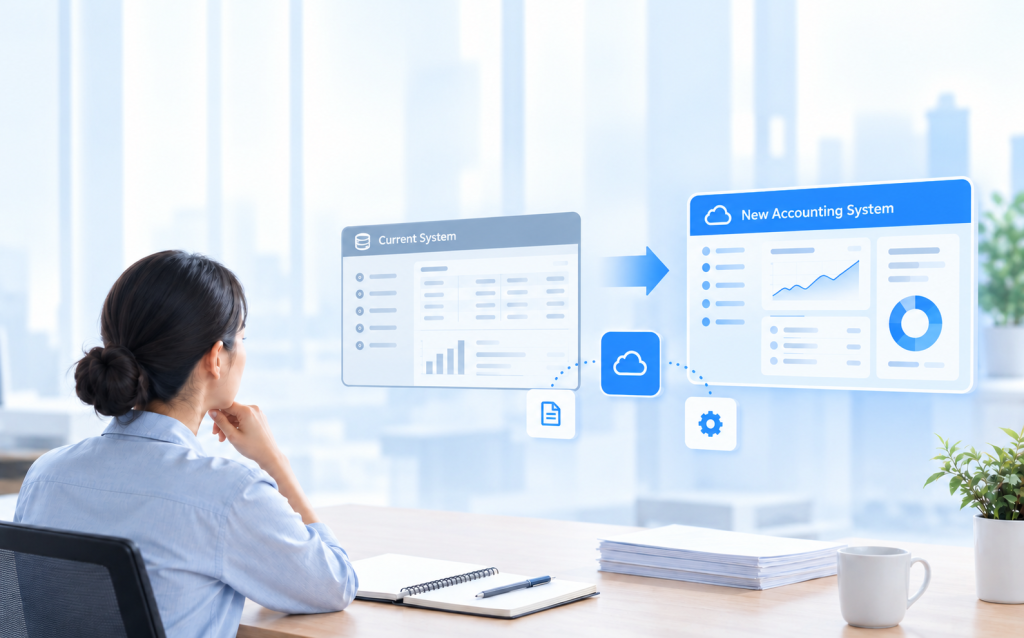
7. Moving from desktop to cloud: an accountant’s checklist
Most of the work is decided before any data moves. Work through these steps in order:
- Clean up the chart of accounts. Merge duplicates, retire unused accounts, and move project or branch detail into analysis dimensions.
- Pick the cutover date. The start of a financial year or quarter, away from GST filing and audit deadlines. If you are GST-registered, also check when the InvoiceNow requirement applies to you.
- Agree the opening trial balance and have it signed off as at the cutover date.
- Load open items individually, so unpaid invoices and uncleared bank items can be paid, matched and aged.
- Decide how much history to bring. Often the current year in detail, prior years as balances, and the old file kept read-only.
- Set up roles and approvals before anyone starts posting.
- Define reports during setup, so the dimensions they need are captured from the first transaction.
- Plan for two slower closes while the team learns the system.
For a fuller walkthrough, see what actually happens when a business changes accounting software.
8. How AOC Accounting fits
AOC Accounting is a cloud accounting system built by Strategic Asia, a Singapore company developing it since 2015, designed for fewer copies of the numbers and fewer steps between posting and reporting, so the close runs in one system from entry to report.
- Combined ledger. AP, AR and the general ledger sit in one ledger, with no reconciliation between modules at month-end.
- User-defined journal types. Each has its own numbering, printed document and optional auto-reversal, so recurring accruals reverse on their own.
- Reports available immediately, straight from the ledger and exportable to PDF or Excel.
- Up to 10 analysis dimensions per function, captured at entry rather than rebuilt in spreadsheets.
- Journal approval and document attachment for sign-off before posting and a clean audit trail.
- Import from Excel, Supplier Invoice Reader and eBank Payment for template imports, OCR-drafted supplier entries and batch payment bank files.
9. Worked example: a trading company moves off desktop
Take a 30-person trading company in Singapore with a Malaysian subsidiary, running desktop software on an office server. Each month the bookkeeper exports the ledgers to Excel, the external accountant emails back adjustments, and they are re-keyed. The Malaysian entity sits in a separate file, consolidated in a spreadsheet. The close takes about eight working days.
The company moves to a cloud ledger at the start of its financial year. In three weeks of setup it trims its chart of accounts, sets branch and product line as analysis dimensions, and defines an auto-reversing accrual journal type. It loads the signed-off opening trial balance and each open invoice individually.
After two slower closes, the external accountant reviews postings during the month, adjustments are entered once, and management reports come straight from the system. Accruals reverse without a spreadsheet, and the quarterly review no longer starts with a file transfer. The close drops to about four working days.
Frequently asked questions
Is cloud accounting software safe for financial data?
It can be safer than desktop, since the vendor handles backups and security. The accountant sets roles, approvals and period locks, and checks the vendor’s export and retention terms.
Can my external accountant or auditor work in a cloud ledger?
Yes, with their own login and the permissions you choose, reviewing the live ledger instead of an emailed copy.
What happens to historical data when we leave desktop software?
Most businesses bring the current year in detail and prior years as balances, and keep the old desktop file read-only for queries and audits.
Is cloud accounting more expensive than desktop?
The subscription can look higher than a license, but desktop also costs hardware, IT support, backups and staff time. Compare all of them over five years.
Talk it through with us
Bring your current setup to a short walkthrough. We’ll show how your chart of accounts, journal types and month-end reports would run in AOC Accounting, using your structure rather than a demo file.
Explore Other Insights