
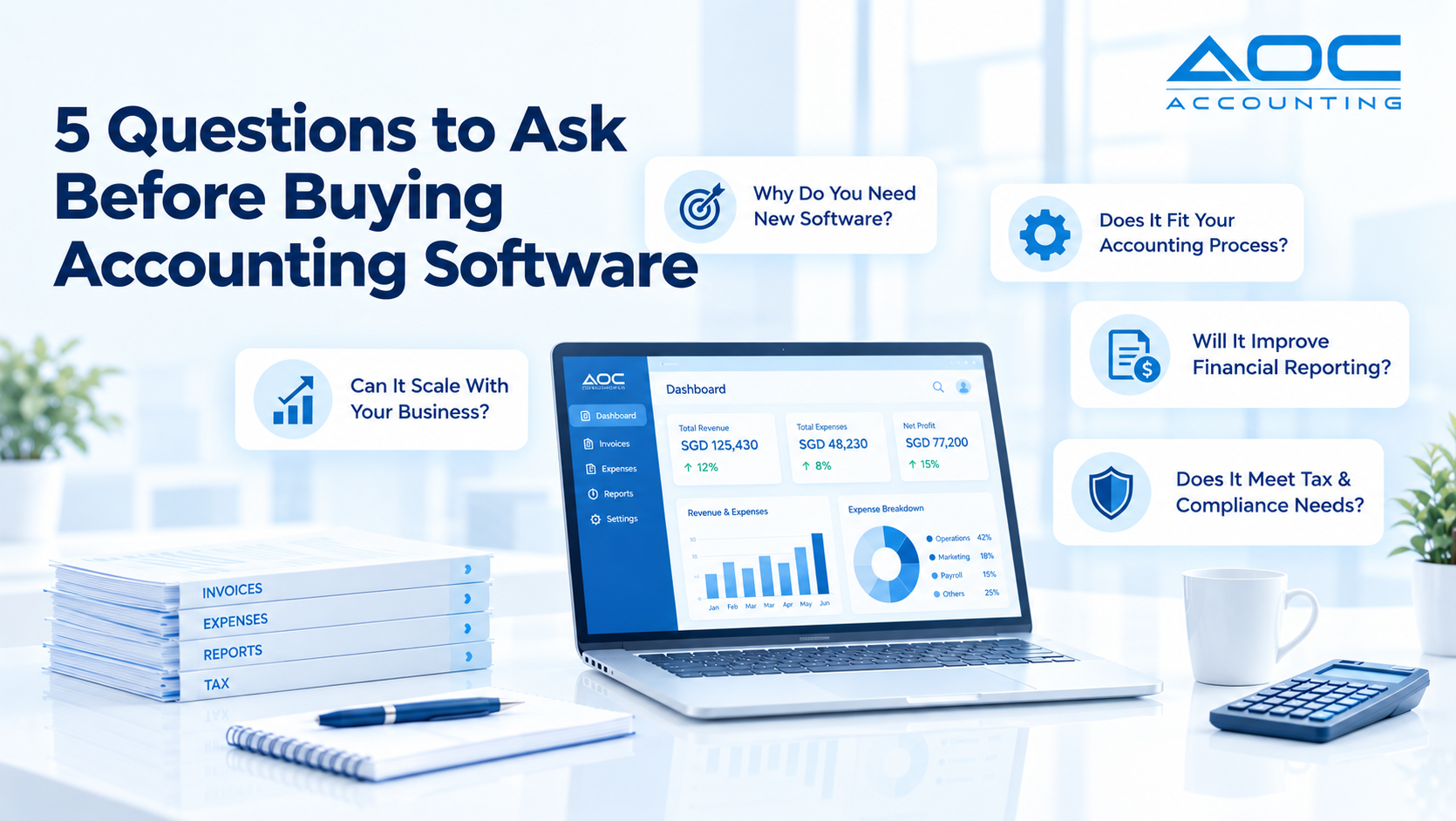
Price and interface are easy to judge in a demo. The questions that decide whether accounting software still fits your business in three years are structural, and none of them appear on a pricing page. Here are the five questions to ask before buying accounting software.
Why Do You Need New Accounting Software Right Now?
If you run a small business in Singapore and still rely on spreadsheets or a legacy desktop tool, the friction is getting more expensive. GST e-invoicing through InvoiceNow is being phased in, IRAS increasingly expects records that can be filed digitally, and your monthly close probably takes longer than it should.
Before buying accounting software, start by defining, in one sentence, the specific problem your current setup cannot solve. That answer stops you overspending on features you will never use, or buying a tool that creates more manual work than it removes. Common triggers for Singapore SMEs include:
- Taxable turnover approaching S$1 million, the threshold for compulsory GST registration, with the compliance work that follows
- Preparing for a first audit, where auditors expect a structured general ledger, a clear audit trail and segment reporting that spreadsheets deliver poorly
- Corporate income tax filing taking longer each year
- Adding a second entity in Malaysia or transacting regularly in USD and MYR, which demands multi-currency and multi-entity capability
- Needing faster monthly financial statements for investors or a bank loan application
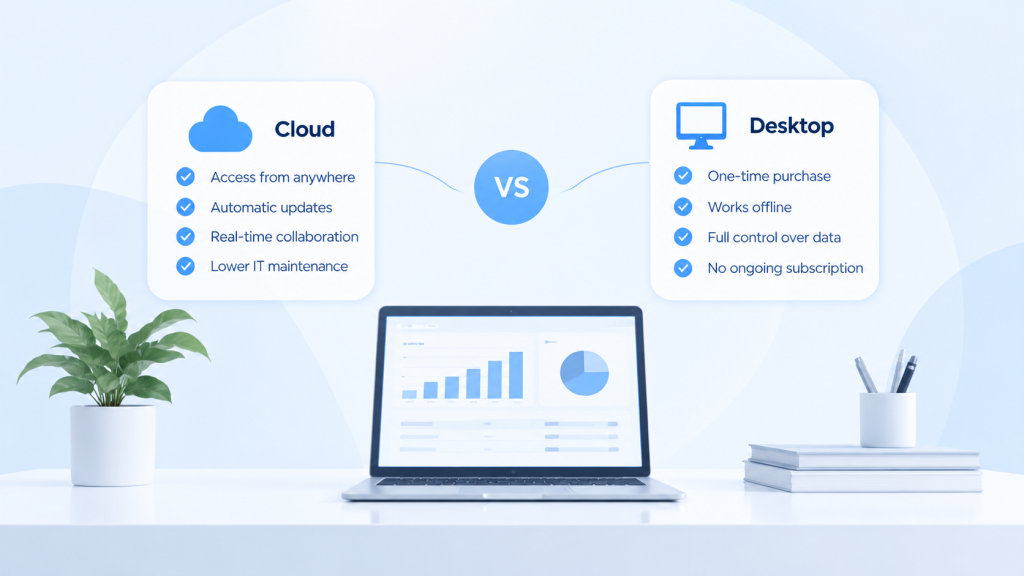
Cloud accounting software, with automatic updates and access from anywhere, is the default choice for most growing companies. Desktop software that runs offline still suits a narrow set of businesses with strict on-premises requirements. Knowing which you need starts with honestly answering “why now”.
Question 1: Does This Software Fit Your Accounting Process End to End?
“Fit” means the software matches how your business actually works, rather than forcing your team to work around the tool. Before any demo, document how money moves through your business today, then check:
- Data entry and invoicing. Can you create recurring invoices for retainers, record supplier bills and handle receipts without re-keying data?
- Approvals. Does the system support approval before a journal or supplier payment posts?
- Ledger structure. Where do accounts payable, accounts receivable and the general ledger sit? In many systems they are separate ledgers that have to be reconciled against each other every month. Ask how the system stops the same transaction being recorded twice.
- Journal types. Who defines how each class of transaction is numbered, printed and reversed: you or the vendor? If the vendor fixes them, your process has to bend to the software.
- Bank reconciliation. How are bank statements matched against your records, and how much manual work is left?
- Period close. Can you lock a period, run foreign currency revaluation and produce reports without exporting to a spreadsheet?
Consider industry needs too: inventory for F&B outlets, project accounting for agencies billing retainers, or import costing for trading companies. A system may list hundreds of features, but if the chart of accounts cannot reflect your cost centres and branches, those features add little.
Question 2: How Will It Improve the Accuracy and Speed of Your Financial Statements?
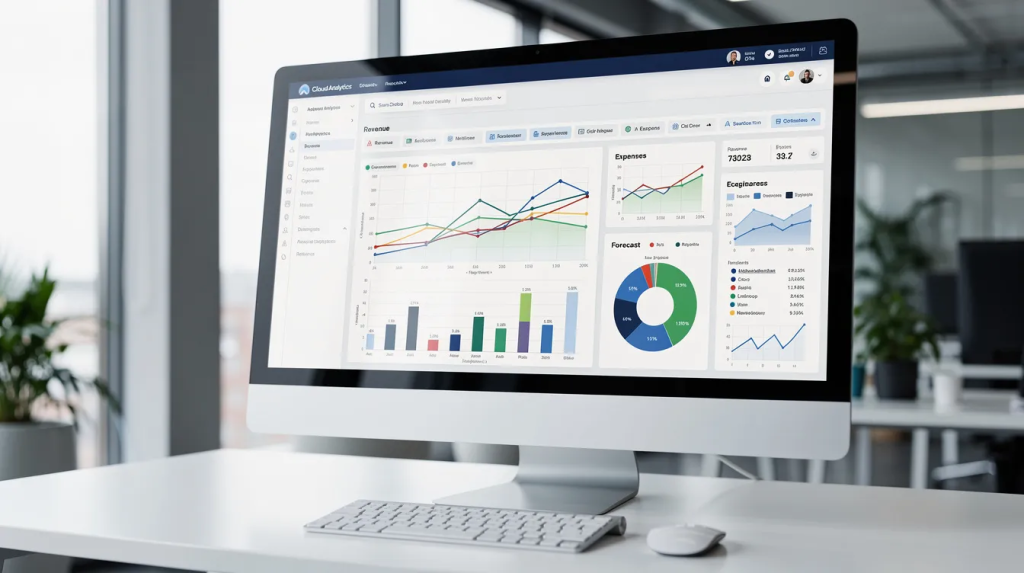
Timely, accurate financial statements (profit and loss, balance sheet and cash flow) are non-negotiable. Banks underwriting a loan, investors doing due diligence and IRAS all expect numbers you can defend. If producing them takes days of spreadsheet work, your software is holding you back.
Ask when reports become available. If a report needs an export and a rebuild, answering a question becomes a task someone has to schedule. Evaluate whether the platform can:
- Produce core reports by month, quarter and year straight from the ledger, without exporting to spreadsheets
- Reduce manual entry errors through recurring journals, import templates and automation, so the monthly close gets faster as the team learns to trust it
- Report by department, project, branch or cost centre without re-tagging data after the fact
- Consolidate multiple legal entities into group results in SGD, if you have more than one
- Give directors current views of cash, profit and revenue without having to ask finance
Question 3: How Well Does It Handle Singapore Tax Compliance and Regional Regulations?
Tax compliance is a crucial screening question. Tax rules differ from accounting rules, and some expenses, such as fines and private car costs, are not deductible for tax. Your software needs to support that distinction, not just record transactions. Check:
- GST. The standard rate has been 9% since 1 January 2024. The system should use correct tax codes, produce the figures for your GST F5 return (and F8 on deregistration), and keep an audit trail for adjustments.
- InvoiceNow. Since 1 April 2026, new voluntary GST registrants must send invoice data to IRAS through InvoiceNow, and IRAS has announced that the requirement will extend to all GST-registered businesses by April 2031. Ask whether the software is InvoiceNow-ready or how it connects to an InvoiceNow solution. IRAS explains the details on its GST InvoiceNow requirement page.
- Corporate income tax. Your tax computation draws on the general ledger, so you need clean, exportable data for Form C-S or Form C, clear treatment of non-deductible expenses, and fixed asset and depreciation records. IRAS maintains an Accounting Software Register Plus (ASR+) listing the digital features it recommends for tax filing.
- Regional entities. If you operate in Malaysia or elsewhere in the region, check that the system handles each entity’s local tax codes and reporting currency.
Question 4: Can It Scale With Your Business Over the Next 3–5 Years?
Planning for 2027 to 2030 means more transactions, more people and possibly more entities across Singapore and the region. Avoid a quick-fix tool you will outgrow in 18 months. Ask:
- Users and volume. What is the user limit? How does performance hold up at thousands of transactions a month? Are there surcharges per entity or module?
- Detail per entry. How many analysis dimensions can one transaction carry? If department, project, location and cost centre cannot all be captured at the point of entry, someone will be reconstructing them in spreadsheets later.
- Multiple entities. Can you roll up financial statements across subsidiaries and present group results in SGD, with intercompany balances handled cleanly?
- Multiple currencies. Exchange rates, month-end revaluation and foreign currency balances in MYR or USD should be standard, not add-ons.
- Integration. Can the system exchange data with payroll, inventory, CRM and expense tools, or at least import from standard templates?
When buying accounting software, a system chosen for where the business will be in three years is usually cheaper than one replaced in two.
Question 5: What Will Implementation, Data Migration and Daily Use Really Look Like?
Buying accounting software is not just a product decision. It is a project involving people, data and change, and the real cost includes migration, training and configuration on top of the subscription.
- Chart of accounts and tax codes. Who sets these up? Align them with IRAS requirements, your internal reporting and any branch or entity structure. Misconfigured codes at go-live flow into every report.
- User roles. Define who approves invoices, who posts journals and who sees which entity. Weak permissions are an audit risk.
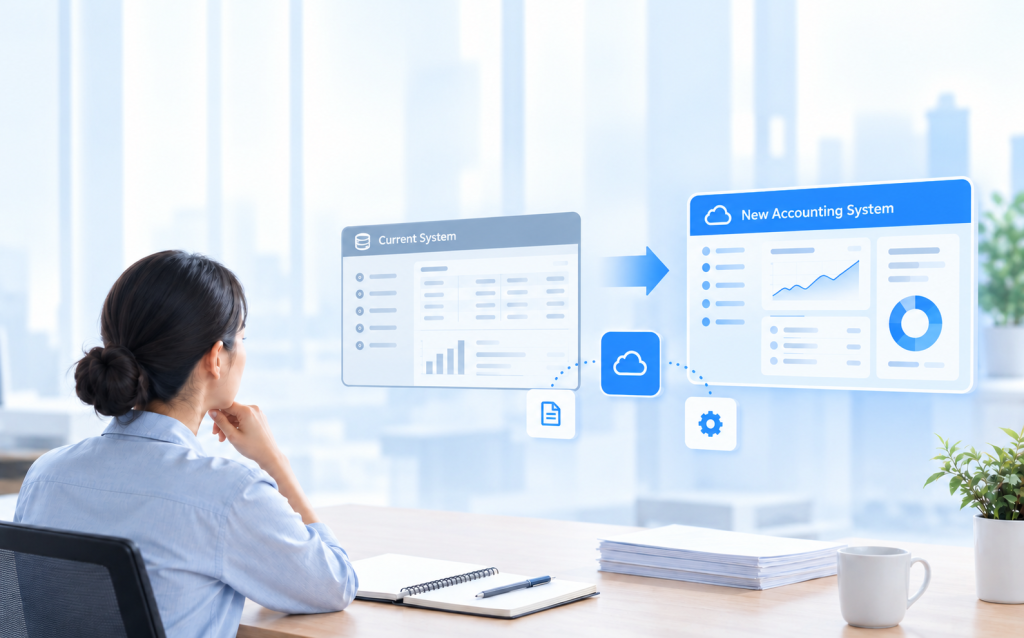
- Data migration. Decide how much history to bring across. Many businesses migrate opening balances and open items, plus enough history for comparatives, and keep older records accessible in the old system. Clean up old account codes and reconcile bank accounts before go-live.
- Go-live timing. Aim for the start of a financial year or quarter to avoid mid-period complications, and keep clear of filing deadlines and year-end.
- Daily use. How quickly can a non-accountant learn the basics? Can directors check figures easily while travelling?
Migration effort grows with transaction history, open balances and the number of people trained on the current process, so the cost of moving later rises every month. In demos, ask vendors to walk through your own workflow with your own data rather than a prepared script, and ask open questions that let them show where the product fits and where it does not.
How AOC Accounting Answers the Five Questions
AOC Accounting is a combined ledger accounting system built for the structural side of these questions:
- Combined ledger (Question 1). AP, AR and GL sit in one ledger, with a chart of accounts that prevents double entries, so there is no reconciliation between separate ledgers at month-end.
- User-defined journal types (Question 1). Transaction sequences, document printing and auto-reversal are defined by your business, so the journal follows your operation rather than the other way round.
- Reports available immediately (Question 2). Standard financial reports come straight from the same ledger the transactions are posted to, exportable to PDF or Excel.
- Up to 10 analysis dimensions per function (Questions 2 and 4). Department, project, location or cost centre are captured when the entry is made instead of being reconstructed later.
- Journal approval and document attachment (Questions 3 and 5). Set who signs off before a journal posts, and link every entry to its source document for a clean audit trail.
- Import from Excel, Supplier Invoice Reader and eBank Payment (Questions 4 and 5). Import journals from a template, let OCR draft entries for recurring supplier invoices, and generate bank files for batch payments.
Turning Good Questions into a Smart Software Decision
Asking these five questions aligns your choice with how your business actually runs, what your financial statements need to show, your tax obligations and your growth plan. The best accounting software is not the one with the longest feature list. It is the one that fits your real workflows in Singapore and the region, and that your team will use every day.
Before buying accounting software, write down your answers to all five questions, share them with vendors before demos, and discuss them with your accountant or tax adviser before you commit.
Bring your five questions to a walkthrough
A short session covering the combined ledger, journal setup and reporting using your own account structure.
Explore Other Insights
 Buyer's GuideOctober 15, 2026
Cloud vs Desktop Accounting Software: What Accountants Should Weigh
 Buyer's GuideSeptember 10, 2026
What Actually Happens When a Business Changes Accounting Software Systems
 Buyer's GuideSeptember 2, 2026