
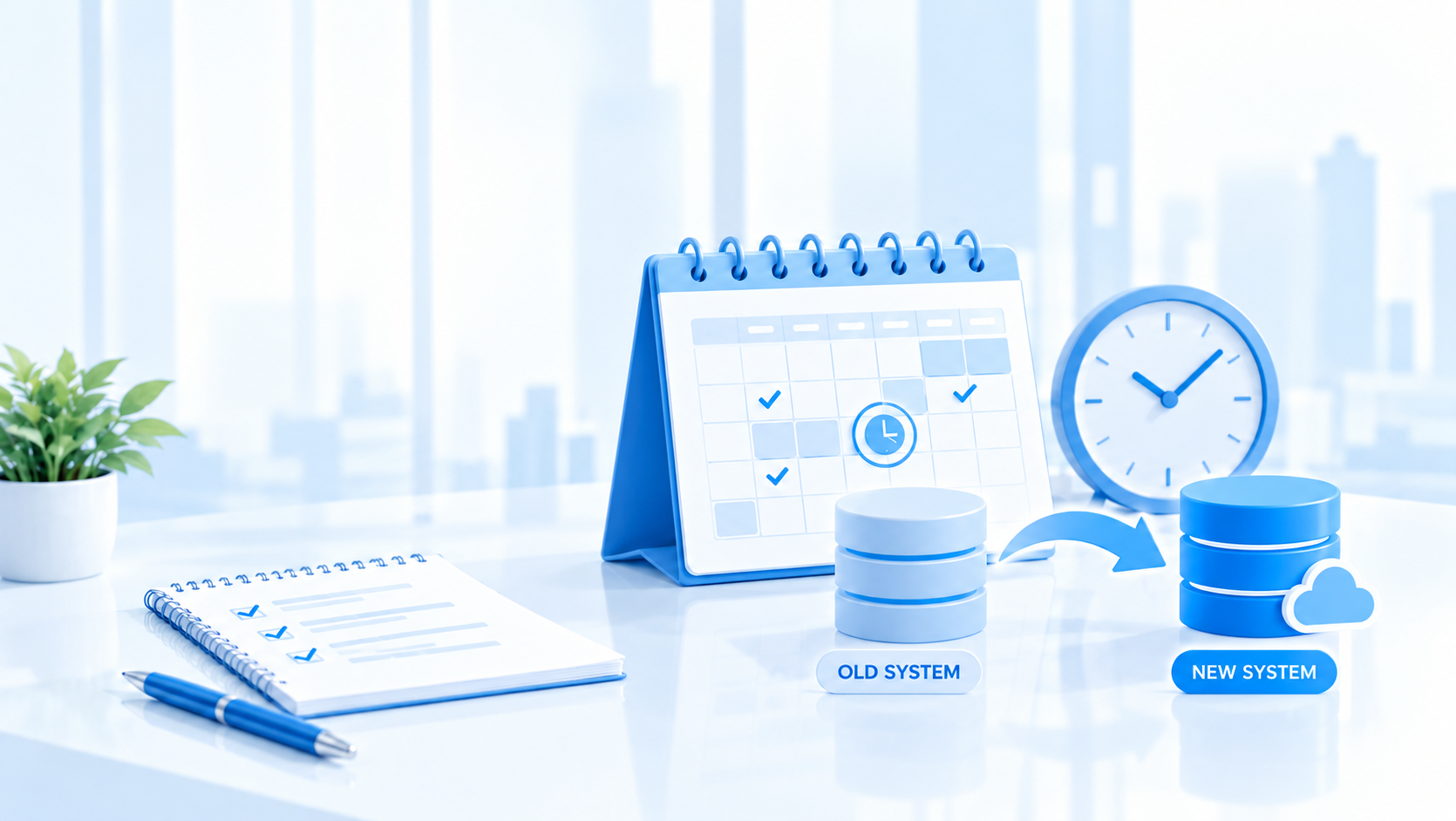
Timing an accounting system migration well protects your filing deadlines, your audit trail and your team’s sanity. This guide covers when to move, how to set the cut-over date, and how to keep payroll, payments and tax filings running while you do it.
Why Timing Your Accounting System Move Matters
An accounting system move means transitioning from spreadsheets, paper records or a legacy desktop tool to accounting software that can handle more transactions, more entities and faster reporting. Accounting is the systematic recording of financial transactions, and when that process breaks down during a poorly timed accounting system migration, the consequences hit compliance, reporting and cash flow at once.
Consider a company with a 31 March financial year end that begins migrating in February. That leaves four weeks before the books must close, with Estimated Chargeable Income (ECI) due to IRAS within three months of year end and the Form C-S or Form C due by 30 November. Switching systems in the middle of a close cycle risks incomplete reconciliations, missing entries and audit gaps.
A business rarely changes accounting systems the moment it needs to. An entry-level tool is cheap and usually works well enough that replacing it never reaches the top of the list, while the workarounds around it arrive one at a time. Meanwhile the work of an accounting system migration grows with the data behind it: a business that moves at 400 transactions a month carries across far fewer entries, adjustments and undocumented spreadsheet steps than the same business two years later.
This guide focuses on the Singapore context (IRAS, ACRA and GST) but applies to other Southeast Asian businesses with similar regulatory calendars.
1. Recognising the Right Moment to Switch Accounting Systems
Deciding when to move matters as much as choosing what to move to. Watch for these signs:
- Spreadsheet corrections after the monthly close happen more than twice a quarter
- Month-end close takes longer than 10 working days
- Management reports arrive more than two weeks after period end
- Multi-currency transactions such as imports, exports or foreign branches need manual workarounds
- Consolidating two or more entities into group accounts needs offline spreadsheets
- Preparing the Form C-S or quarterly GST F5 return takes longer each cycle
- Your team has adapted its own process to fit the software’s journal formats, rather than the other way round
If the system struggles to produce an income statement and balance sheet on time, that is a clear signal. When it cannot reliably track cash flow, receivables and liabilities, risk compounds with every transaction.
Growth events also create natural windows for an accounting system migration. Crossing S$1 million in annual taxable supplies triggers compulsory GST registration. Opening a second entity in Malaysia or elsewhere in the region demands multi-entity capability. Bank financing that requires audited or consolidated financials pushes the timeline forward. Each is a point to plan the move, not react to it.
2. The Best Time of Year for an Accounting System Migration
Aligning the move with your financial year produces the cleanest cut-over. A company with a 31 December year end that cuts over on 1 January avoids splitting a year across two systems: auditors see a full year completed in the old system, and the new ledger starts with verified opening balances. The next best option is the start of a quarter that sits clear of your filing deadlines.
Singapore companies must keep business records for at least five years and must file annual returns with ACRA within seven months of year end for most private companies. Avoid starting a cut-over in the four to six weeks before any of these deadlines:
| Financial year end | ECI due | ACRA annual return | Cleanest cut-over dates |
|---|---|---|---|
| 31 December | 31 March | 31 July | 1 January (build in October to December), or 1 April once ECI is filed |
| 31 March | 30 June | 31 October | 1 April (build in January to March), or 1 July once ECI is filed |
| 30 June | 30 September | 31 January | 1 July (build in April to June), or 1 October once ECI is filed |
Whatever your year end, the Form C-S or Form C for the previous financial year is due by 30 November, and each GST F5 return is due one month after the quarter ends, so keep cut-over away from those weeks too. Moving mid-year after a completed quarter works if bank reconciliations and management accounts for that quarter are finalised. The old system must stay accessible for prior-period queries and the five-year retention period.
3. Choosing Between Cloud-Based and On-Premises Accounting Software
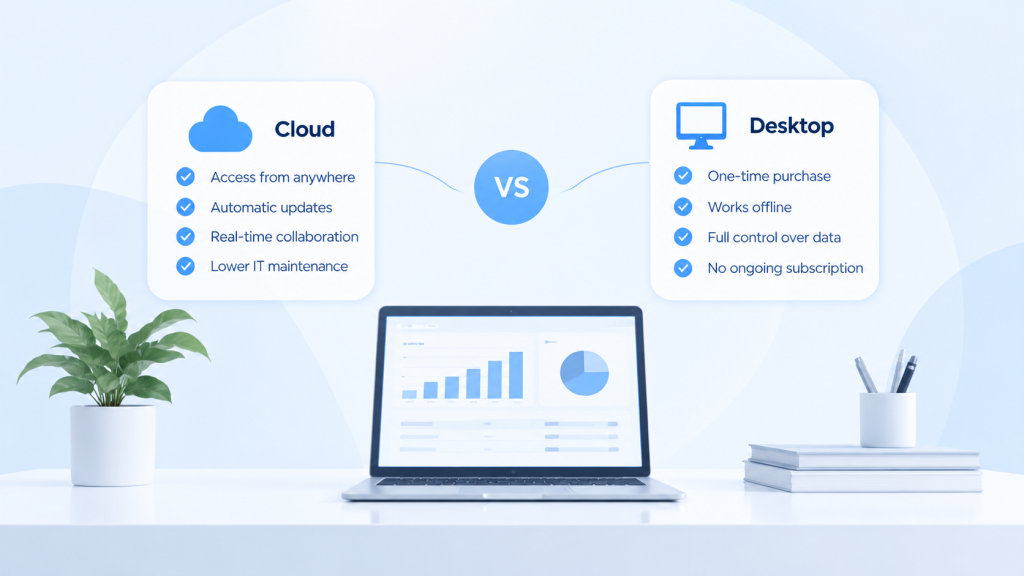
On-premises software runs on local servers or desktops, and the company maintains the hardware, backups and updates. Cloud-based accounting software runs on remote servers, accessed through a browser, with the vendor handling infrastructure and subscription pricing replacing upfront licence fees.
Cloud usually makes sense for:
- Teams working across several locations in Singapore and the region
- Multi-entity groups that need current data and consolidation
- Businesses that want bank files, payroll and other systems connected to the ledger
- Firms that want invoicing and expense processing automated rather than keyed in by hand
Cloud software gives real-time access to financial data; on-premises systems often update only when someone runs a batch process. On-premises may still fit firms with strict data residency rules or unreliable internet.
Timing also connects to seasonal cycles. Many retailers are quieter in the weeks after Chinese New Year, and many professional services firms see lighter demand mid-year. Those quieter months free the team for configuration and testing.
4. Building the Business Case at the Right Time
Business leaders need a quantified case before committing to new accounting software. Benefits worth quantifying include:
- Reducing month-end close from 15 working days to 5
- Cutting manual journal entries through templates, imports and automation
- Producing financial statements for bank financing within days instead of weeks
- Getting management reporting and expense tracking without additional headcount
An illustrative example: a S$3 million revenue trading company closes its books in 15 working days a month using desktop software and spreadsheets, with two finance staff spending most of that time on the close. If a new system brings the close down to 5 working days, roughly 20 staff-days a month are freed. At an assumed loaded cost of S$300 per staff-day, that is about S$72,000 a year of capacity, before subscription and implementation costs. Use your own headcount and costs; the point is to measure the time the close actually takes today.
Remember that the real cost of an accounting system migration is not the licence fee. It is the volume of history and manual process that has to come across with it, and that grows every month you wait.
5. Mapping the Accounting System Migration Timeline from First Decision to Go-Live
A successful accounting system migration is a sequence of planned steps, not a single event. A realistic timeline runs 8 to 16 weeks: a single-entity small business sits at the shorter end, while multi-entity groups usually need 12 to 16 weeks.
- Discovery (about 2 weeks): map current processes, identify gaps and gather requirements, including what IRAS and ACRA reporting the new system must support.
- Design and configuration (2 to 4 weeks): build the chart of accounts, define workflows and journal types, set user roles, and set up the reports management and tax computations need.
- Data migration and testing (3 to 6 weeks): extract, transform and load data from the old system, then test transactions, trial balances and records against the source.
- Parallel run and cut-over (1 to 4 weeks): run old and new systems side by side and confirm the numbers match before the old system is retired.
Calendar example: a business with a 31 March year end planning a 1 April 2027 cut-over starts discovery in early January 2027, completes design by early February, runs migration and testing through March, and goes live on 1 April with the old year closed in the old system.
6. Accounting System Migration: Data and Cut-Over Timing
Cut-over is the date the old system stops being the primary ledger and the new one becomes the source of truth. It must fall after all control accounts are reconciled.
Data to migrate:
- Opening balances as at the cut-over date
- Prior-year comparatives for at least one full year
- Outstanding receivables and payables, invoice by invoice, with their original dates
- The fixed asset register, including acquisition dates and depreciation schedules
- Inventory records, if applicable
- GST control account balances
- Intercompany balances for group entities
Before cut-over:
- Reconcile every bank account to the last statement before cut-off
- Post all closing entries in the old system up to the cut-off date
- Reconcile GST input and output tax balances
- Archive and back up the old system
- Set a freeze: no postings in the old system after midnight on the cut-off date
Example: books close on 31 March 2027 in the old system and all closing entries are posted by 2 April. On 3 April, opening balances dated 1 April 2027 are loaded into the new system and receivables and payables roll forward. The team then validates the trial balance, bank reconciliation and GST balances within the first five working days.
7. Aligning the Move with Financial Reporting and Management Accounting
Many businesses plan the move just before a new budget year begins. Management accounting looks forward, and starting that data stream from month one in the new system avoids splicing reports across two platforms. External financial statements for auditors, banks and investors also benefit from a clean start date.
Reporting that improves with good timing:
- Budget packs: annual or quarterly budgets built in the new system from the first period
- Board packs: monthly P&L by department, cash flow and income statements available within days of month end
- Bank covenant reports: at least three consecutive months of consistent reporting from the new system before the next covenant test
- Management dashboards: current views of financial position, expenses by category and forecasts by cost centre
The aim is a shorter, more reliable reporting cycle. A business that closes 30 working days after month end should expect a well-timed move, with the reports defined during setup rather than after it, to bring management reports within the first week or two.

8. Risk Management: Minimising Disruption During an Accounting System Migration
Payroll must run. Suppliers must be paid. Tax filings must reach IRAS on time. An accounting system migration must not interrupt any of them.
Risks tied to poor timing:
- Migrating just before the payroll cut-off can delay salary payments
- Moving during peak sales, such as December for retail, risks missing sales data or stock counts
- Cutting over in the weeks before the 30 November Form C-S or Form C deadline leaves no buffer for errors
Practical mitigations:
- Run both systems in parallel for at least one full accounting period
- Define a change freeze: no chart of accounts changes or new adjustments in the old system after a set date
- Keep a documented fallback plan to revert to the old system within 48 hours if needed
- Make the finance lead responsible for signing off opening balances
- Review the first full month-end close in the new system to catch any divergence
9. Preparing Your Accounting Team for the Transition
A new system succeeds or fails on people, not just technology.
- Workload planning: schedule configuration and testing away from month-end close. If needed, bring in temporary help for routine bookkeeping during the 8 to 16 week project.
- Role-based training: train each role, such as AP, AR and the general ledger, one to two weeks before go-live so knowledge stays fresh.
- Refresher sessions: after the first month-end close, run a half-day session to address gaps. The first close always surfaces missing details.
- Internal champions: name an AR lead, an AP lead and a GL owner who make quick decisions on configuration and process and manage access permissions.
Qualified accountants on the team should confirm the configured system meets your accounting standards and reporting requirements before go-live.
10. Timing Considerations for Multi-Entity and Group Consolidation
Groups add another layer: each subsidiary may report under a different framework, in a different currency, on a different filing calendar. A phased approach reduces risk:
- First quarter of the project: migrate the parent entity and one pilot subsidiary at a quarter end, and test consolidation, multi-currency ledgers and the shared chart of accounts.
- Second quarter: bring on the remaining entities and validate intercompany eliminations and currency translation.
- Third quarter: run full group consolidation reporting, with every entity on a shared chart of accounts that still allows local detail.
Choose each subsidiary’s cut-over around its own local filing deadlines, not only the parent’s.
11. Coordinating with External Stakeholders
Auditors, banks, investors, tax agents and outsourced bookkeepers all depend on the timing and quality of your financial data. When systems change, their work has to continue without interruption.
- Tell your auditor the cut-over date early, and agree how prior-year records in the old system will be accessed during the audit
- Confirm with your tax agent which system the next ECI, Form C-S or GST return will be prepared from
- Give external bookkeepers or accountants their user access and training before go-live, not after
- Check with your bank whether any covenant reports or facility reviews fall in the cut-over period
- Groups with overseas entities should confirm the new system handles each jurisdiction’s tax and reporting requirements
12. After the Move: When to Review and Optimise Your New System
An accounting system migration is not finished on go-live day. Structured reviews at set milestones show whether the investment is delivering.
- 30 days after go-live: check that invoices, payments, receivables and payables run without manual workarounds
- After the first full month-end close: compare close time, number of manual journals and error rates against the old system
- After the first quarter end: review reporting, budget against actual, and plans for the next period
Metrics to track:
- Month-end close time (target: under 5 working days)
- Number of manual journal entries per period
- Days to deliver management reports (target: within 7 working days)
- Team satisfaction with the new system (survey after 60 days)
- Accuracy of bank reconciliation and the GST control account
As a business grows, its reporting requirements grow with it. The first 90 days after go-live are the best time to tune the configuration, because that is when the gaps are most visible and the team is most engaged.
Where AOC Accounting Fits in an Accounting System Migration
A move is smaller when the new system absorbs the old workarounds instead of preserving them. AOC Accounting is a combined ledger accounting system, built and run since 2015, and several of its features bear directly on how a changeover goes:
- Combined ledger for AP, AR and GL: transferred balances land in one ledger, so there is no reconciliation between modules to rebuild at cut-over.
- Chart of accounts controls: double entries are prevented at the point of posting, during and after the changeover.
- Import from Excel: prepare opening balances and journals in a provided template and import them in one step.
- User-defined journal types: keep your existing numbering sequences and document formats by configuring them in the system rather than maintaining them beside it.
- Reports available immediately: check the trial balance and balance sheet as soon as opening balances are loaded, so the transfer is verified as it happens.
- Up to 10 analysis dimensions per function: project, department and cost-centre reporting moves into the ledger rather than a spreadsheet.
- Journal approval and document attachment: opening balance journals can require sign-off, and each one can carry its supporting reconciliation.
The difference between a smooth accounting system migration and a disruptive one usually comes down to timing: a deliberate decision, a cut-over date chosen against your regulatory calendar, and scheduled reviews afterwards.
Work out what a move would actually involve
A short demo covers how balances, journal formats and reporting transfer into a combined ledger, timed against your own year end.
Explore Other Insights
 Buyer's GuideOctober 15, 2026
Cloud vs Desktop Accounting Software: What Accountants Should Weigh
 Buyer's GuideSeptember 10, 2026
What Actually Happens When a Business Changes Accounting Software Systems
 Buyer's GuideSeptember 2, 2026