Every growing business reaches a point where chasing unpaid invoices stops being a minor annoyance and starts threatening the whole operation. This article walks through why that happens, what to get right from the start, and how to build processes that scale.
Why Unpaid Invoices Snowball As Your Business Scales
Picture a Singapore SME with three employees, a handful of consulting clients and perhaps 15 invoices going out each month. Six years later the same business has 30 employees, several service lines and more than 300 invoices a month. One morning the founder opens the receivables report and finds S$150,000 owed but uncollected, with salaries due in five days.
An invoice is the commercial document a seller issues to request payment once products or services have been delivered. It is the bridge between work completed and money received. At low volume, a missed or delayed invoice is easy to track down. At scale, the maths changes fast:
- 10 invoices delayed at S$3,000 each = S$30,000 tied up
- 100 invoices delayed = S$300,000 your business cannot spend on rent, CPF contributions or tax payments to IRAS
Invoices help businesses monitor cash flow by setting out payment terms and due dates. Under accrual accounting, revenue is recognised when the work is delivered and invoiced, not when cash lands. That gap means a company can look profitable on paper while struggling to pay employees on time.

Invoice Basics: What Every Growing Business Must Get Right
Weak invoicing habits in the first two or three years of a business create obvious problems by year five. Getting the basics right early is not exciting work, but it saves enormous time later.
In Singapore, every professional invoice should contain:
- Business name, address and UEN
- Client name and address
- A unique invoice number for tracking
- Issue date, payment terms and due date
- Line-item descriptions of the products or services provided, with quantities and prices
- A GST breakdown if your business is GST-registered, since GST-registered customers need a valid tax invoice to claim input tax
- Total amount due and payment instructions
Business owners often confuse four related documents:
- Quotation – an estimate provided before work begins, not binding on the final cost
- Pro forma invoice – a preliminary bill sent before goods or services are delivered, sometimes used to confirm scope
- Invoice – the formal document confirming money is owed once the work is done
- Receipt – proof that a customer’s payment has been received
Mixing up invoices and receipts leads to mismatched accounting periods and incorrect GST filings. When you invoice matters just as much: milestone billing, monthly retainers and billing on completion each carry different cash flow and GST reporting implications. Payment terms, whether 14 or 30 days, should be stated clearly on every invoice to avoid disputes.
Why Chasing Unpaid Invoices Gets Harder With More Clients and Employees
When a sole proprietorship grows into a 20- to 50-person company, the journey from “I know every invoice” to “who sent what?” happens faster than most founders expect.
The pain points are specific:
- Multiple service lines with different contract terms: some clients on retainers, others on milestone billing, others billed on completion
- More employees generating billable hours across projects, which makes it easy to forget or delay invoicing, especially during rapid hiring when ownership and handoffs are not clearly defined
- Longer approval chains inside larger clients, where procurement, finance and multiple sign-offs slow payment even when your invoice is correct
The human factor compounds this. Sales teams want to close deals. Project managers focus on delivery. Neither wants to spend time chasing money, and poor coordination between operations, sales and accounts leads to duplicate invoices, wrong amounts, or invoices sent to the wrong contact.
Records get harder to trust at the same time. A customer settles four invoices with one transfer, pays 8,000 against a 10,000 invoice, or receives a credit note that is never matched to the invoice it relates to. If those receipts and credits are recorded against the customer rather than against specific invoices, the ageing report still shows the right total but the wrong ages, and the team ends up chasing amounts that were already dealt with.
Late payment is a widespread problem in the region: Atradius’s payment practices research on Singapore consistently finds a significant share of B2B invoice value still unpaid at the due date, with many businesses stepping up collection efforts as a result. Complete, accurate invoice records are also what give you a reliable trail for tax compliance and audits.
Designing a Scalable Invoicing Process
A scalable invoicing process has to work at 50, 500 and eventually 5,000 invoices a month with minimal manual effort. Here is how to build one:
- Confirm service completion – define how milestones or project delivery are signed off before any invoice is created
- Clarify roles – who creates the invoice, who reviews amounts and GST, who approves, and who sends it
- Choose a delivery method – emailed PDF, e-invoicing through InvoiceNow (Peppol), or customer portals
- Schedule follow-ups – reminders before and after the due date, with a clear escalation path
Your accounting system needs to support recurring invoices for retainers and subscriptions, multi-currency billing, and the different document types your business issues. For groups operating across Singapore, Malaysia and Indonesia, multi-entity and multi-currency reporting lets leadership see total receivables in one view, and cross-border sales add commercial invoices for customs clearance.
Define clear policies for disputes, credit notes and revised invoices. Consistency is what keeps the process working as you add entities, clients and billing arrangements.
Practical Strategies to Reduce Late Payment and Stop Chasing Unpaid Invoices
Prevention is cheaper than legal action. Start here:
- Collect upfront deposits or milestone payments on large projects
- Run credit checks on new corporate clients before extending terms
- Use written service agreements that specify payment terms, late fees and suspension conditions
Chasing unpaid invoices should follow a clear schedule:
- Friendly reminder 3–5 days before the due date
- Firm reminder at 7 days overdue
- Phone call or escalation at 14–21 days overdue
Consider small early-payment discounts for key clients and, where contracts allow, charge late-payment interest to discourage delays.
Handle adjustments cleanly. Credit notes reduce what a customer owes because of returns or discounts; issue them promptly and match them to the invoice they relate to, so clients trust your billing. Debit notes increase the amount owed after an undercharge, and a final invoice summarises total charges at project completion. A clear process for each keeps client relationships professional.
Give account managers scripts and limits for discussing overdue amounts. Better collection results usually come from training, not aggression. For SMEs with large receivables, invoice financing from banks and specialist lenders can turn unpaid invoices into immediate working capital.

Accounting, Tax, and Reporting Implications of Unpaid Invoices
Unpaid invoices are not just an operational headache. They directly affect your financial statements and tax position.
Because revenue is recognised when services are delivered, your profit and loss statement can show a profit while your bank account tells a different story. Trade receivables appear on the balance sheet as current assets, and an ageing analysis (0–30, 31–60, 61–90 and over 90 days) is how you find invoices at risk. That analysis is only as reliable as the way receipts and credit notes were allocated to invoices.
In Singapore, GST output tax is generally due when the invoice is issued, whether or not the customer has paid. If a client never pays, you may be able to claim GST bad debt relief under specific conditions, including writing the debt off in your accounts, waiting at least 12 months from the date of supply, and taking reasonable steps to recover it.
When older invoices become unlikely to be collected, a provision for doubtful debts reduces reported profit and keeps the balance sheet honest. Accurate invoice records also make year-end closing faster, support bank financing applications, and strengthen any legal recovery case.
Where AOC Accounting Helps With Chasing Unpaid Invoices
Chasing unpaid invoices gets harder mostly because the records behind the chasing list drift away from the accounts. AOC Accounting is a combined ledger accounting system built to keep them together:
- Combined ledger – invoices, receipts, credit notes and write-offs sit in the same record as the general ledger, so the customer balance and the receivables figure are one number with no separate reconciliation.
- Allocation against invoices – because each receipt and credit note is applied to the invoice it relates to, a part-payment leaves the remaining balance at its true age, and the ageing report reflects what is genuinely still owed.
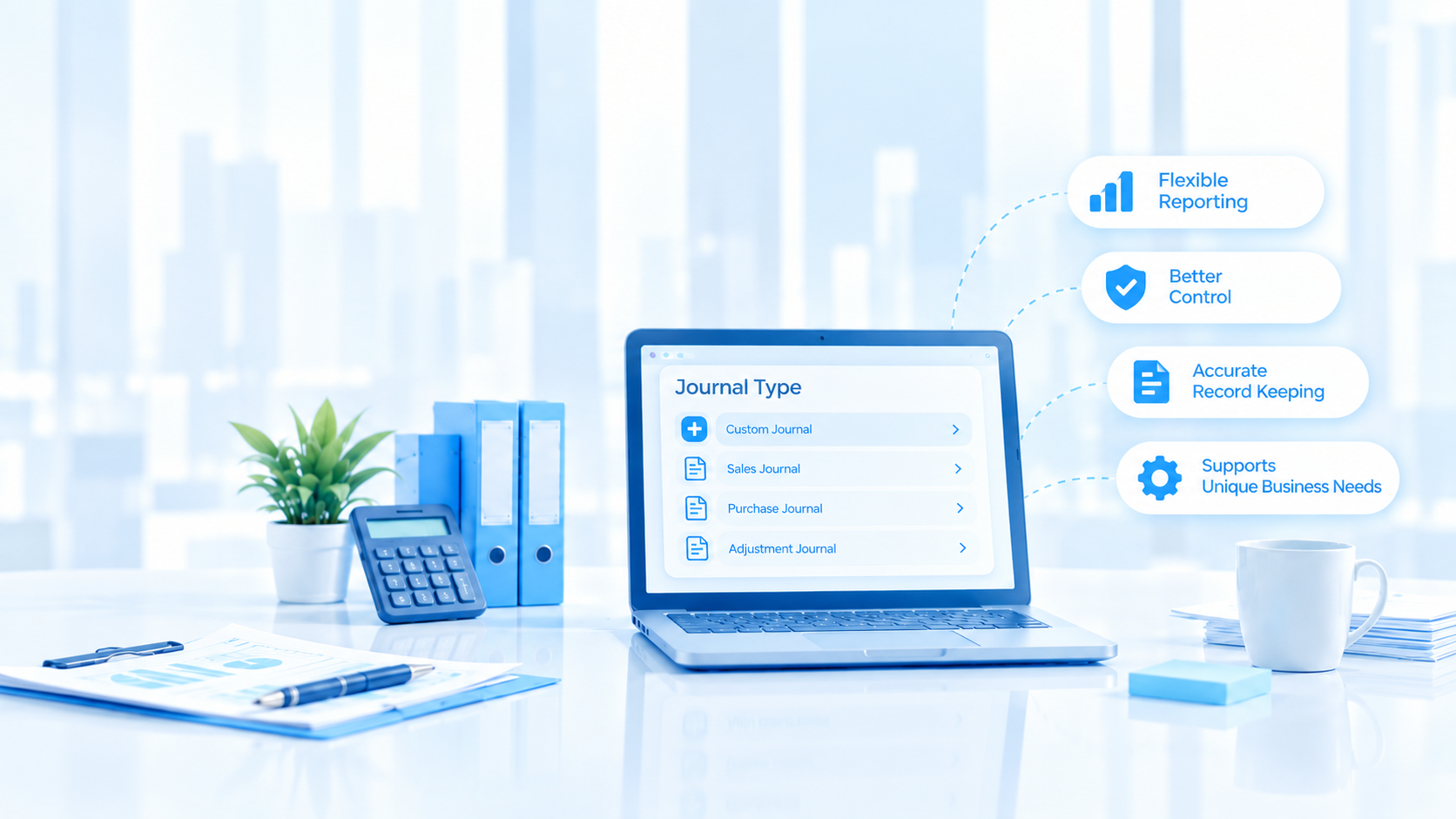
- Flexible journal types – set up instalments, disputed-line credit notes and doubtful-debt provisions as their own transaction types, each with its own numbering, printed document and automatic reversal next period.
- Analysis dimensions – tag each sales invoice with up to 10 dimensions such as branch, project, channel or salesperson, and read the ageing by any of them without re-tagging data in a spreadsheet.
- Document attachment and journal approval – every entry links back to its source document, and adjustments such as write-offs can require sign-off before they post.
- Reports available immediately – produce an ageing as at any past date, or the full history behind one customer’s balance, straight from the ledger and exportable to PDF or Excel.
None of this makes a customer pay. Someone still has to call, and terms agreed generously to win work remain a commercial decision. What accurate records change is that the person chasing unpaid invoices knows the amount is genuinely outstanding, and that matters, because chasing an invoice a customer has already paid costs goodwill.
If your outstanding receivables have grown faster than revenue over the past 12–24 months, start with your messiest customer account: the one with a part-payment, a credit note and a disputed invoice all at once.
Bring your messiest account to a walkthrough
One real customer account, entered as it stands, read back as a statement, an ageing at a past date, and a full transaction history.